Northstar Software
Customer Support Portal: Open
Home users • Offline-first • No subscriptions

Engineered from 25+ Years of IT Expertise

Most computers don’t slow down overnight — performance declines gradually as hidden files, browser residue, and system clutter accumulate. Complete PC Health Fix packages a precision, safety‑first workflow into one guided run.

Launch Price ends soon
Lock in the discount and get instant access after checkout.

Windows PC Clean

Removes unnecessary files and operating system residue that quietly degrade responsiveness over time.

Normal Browser Clean

Clears cached buildup and browsing residue to improve responsiveness and support better privacy hygiene.

Advanced PC Clean

Deeper optimization for users who want the highest efficiency and the lowest long‑term friction.

Precision over gimmicks

Designed from real IT experience — focused on safe, practical improvements instead of flashy promises.

✔ Pay once (no subscriptions)
✔ Runs on your machine
✔ No data harvesting
✔ Safety‑first approach

Launch Pricing

$39

You save $20 today
Instant access after purchase
Status: waiting for purchase…

What you’ll receive

  • Portable app: CompletePCHealthFix.exe (runs directly)
  • Secure post‑purchase download link
  • Access to the Customer Support Portal

Screenshots

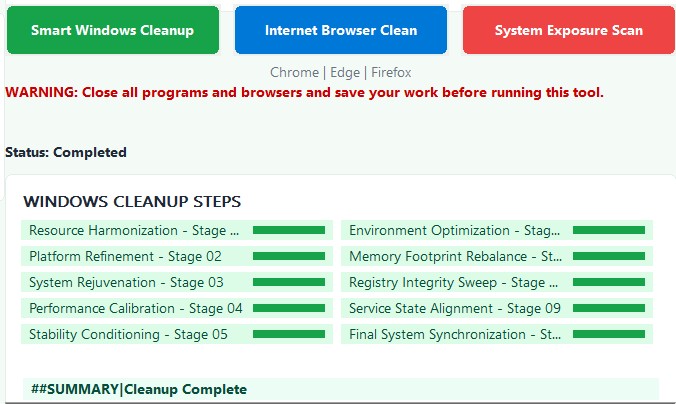
Complete PC Health Fix - workflow screen
Guided workflow with clear stages.
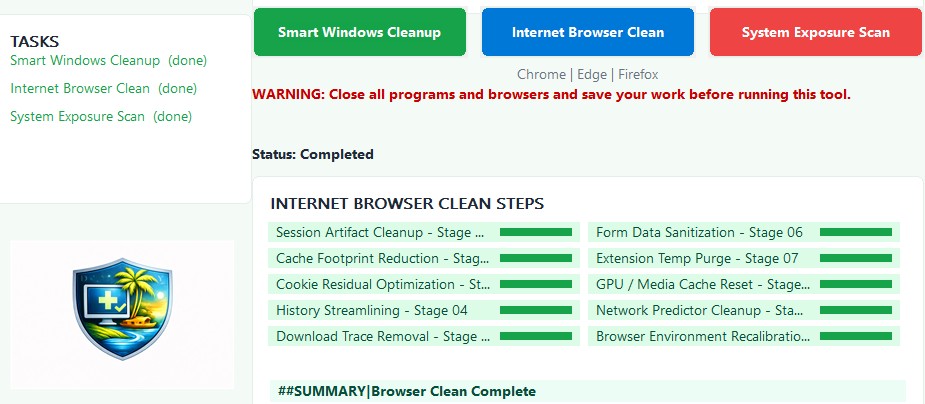
Complete PC Health Fix - tasks screen
Simple task selection and status.
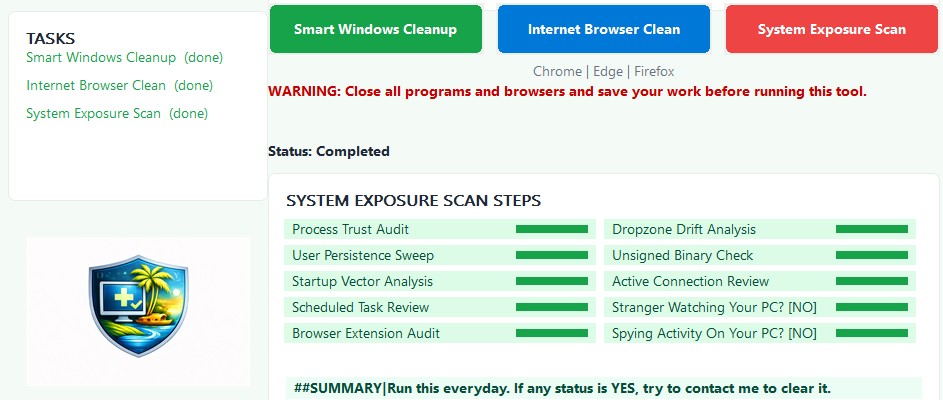
Complete PC Health Fix - run log
Straightforward run log output.
Complete PC Health Fix - brand badge
Branding badge / identity.

Why home users choose it

FAQ

Is this for home users?

Yes — it’s designed for everyday home PCs that have become slower over time due to accumulated clutter and browsing residue.

Does it collect or upload my data?

No. The tool is designed to run locally. No telemetry and no data harvesting.

How do I get the download after purchase?

After Stripe checkout, you’ll return to this page and the Download button will unlock automatically.

What if I need help?

Use the Customer Support Portal: open support.